



Repair of TVs and monitors







Filters
TV and Monitor Repair in Yerevan, Armenia and Other Regions
Find TV and monitor repair in Yerevan for household televisions, computer displays, Smart TVs, and modern LCD, LED, and OLED screens. This category is for anyone dealing with a black screen, missing picture, flickering display, unreliable power, damaged inputs, or software-related TV issues. Turn.am is a marketplace where you can browse relevant offers, compare service descriptions, and contact independent technicians or service centers directly.
Whether a television has sound but no image, a monitor will not switch on, or a Smart TV no longer connects or responds as expected, the right repair approach starts with identifying the device and the symptoms. Providers may handle television repair, monitor diagnostics, display troubleshooting, backlight work, board repair, port faults, and selected setup tasks. Review each offer carefully to find a provider whose services match your model and the problem you are experiencing.
What TV and monitor repair services can include
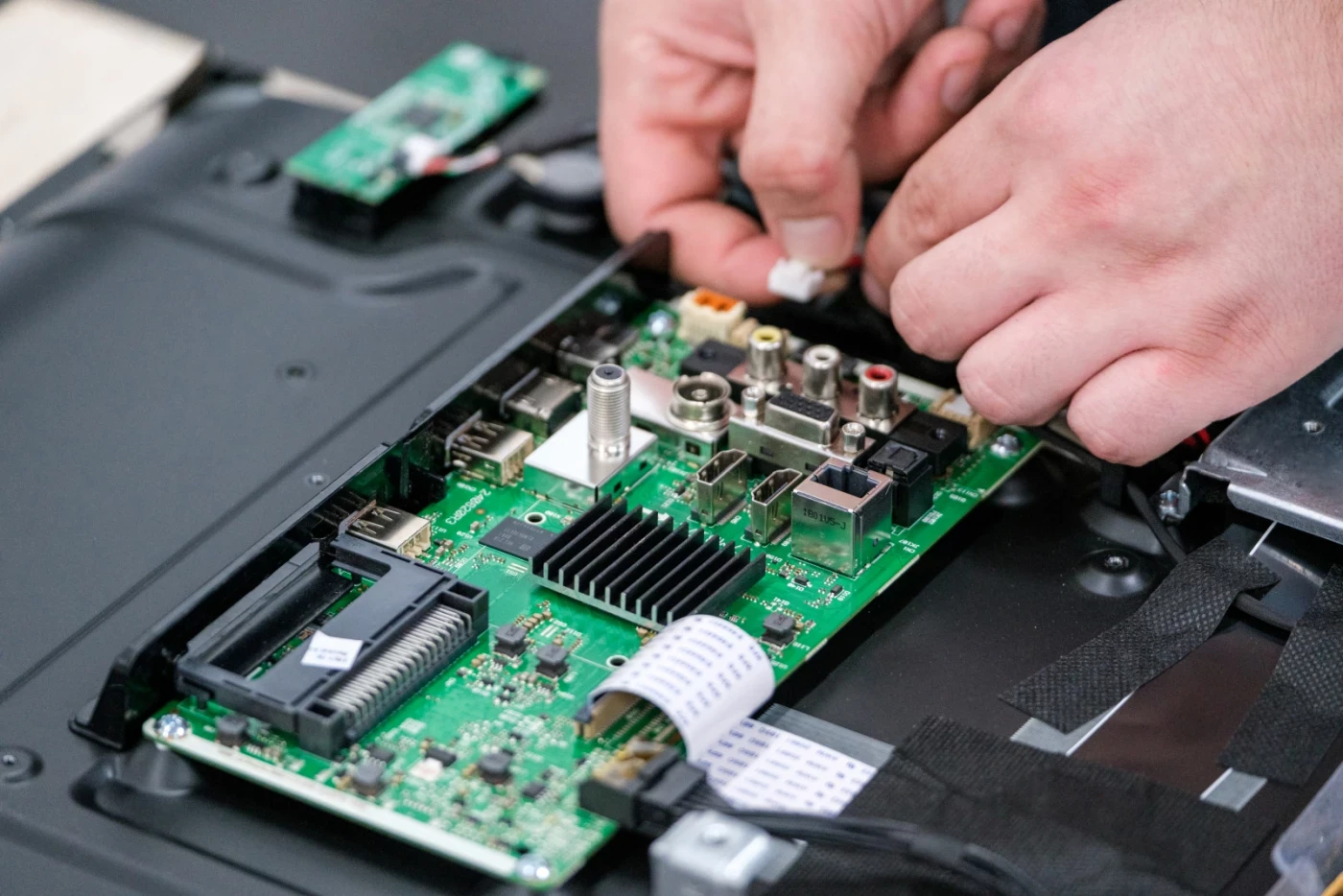
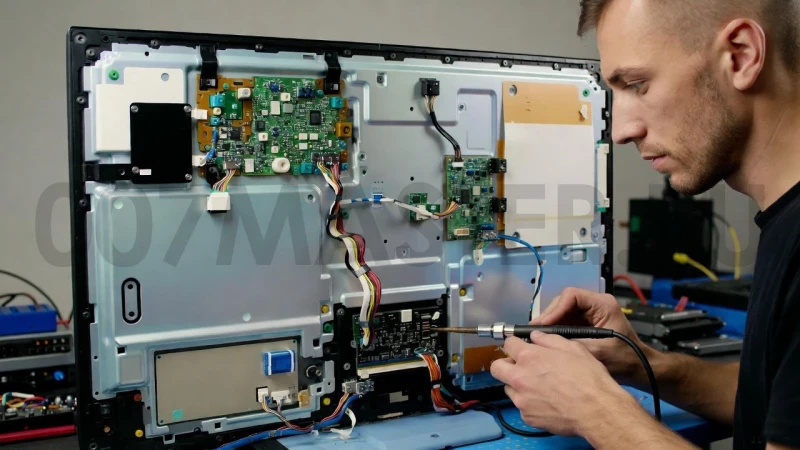
TV faults can look similar on the surface while having different technical causes. A device that does not turn on may have a power supply issue, an internal board fault, a damaged component, or an external connection problem. If an indicator light is active and sound plays but the screen remains dark, a technician may need to inspect the LED backlight, video circuit, T-Con board, matrix, or main board. Proper diagnostics help distinguish between these possibilities before repair work is discussed.
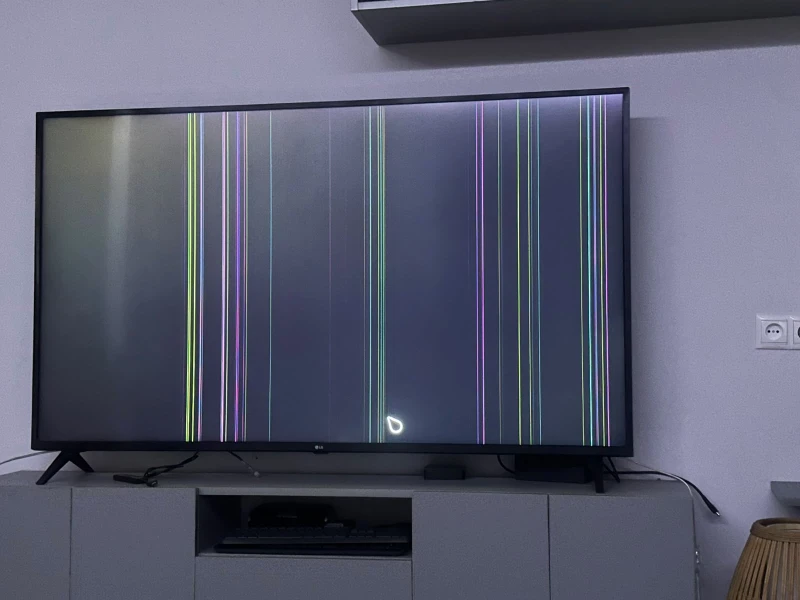
Common television repair requests include a TV that switches off or restarts during use, an image that fades after several minutes, screen flickering, vertical or horizontal lines, spots, color distortion, and partial picture loss. Cracks or impact damage to the screen require a separate assessment because the matrix and the availability of a compatible replacement can strongly affect whether repair is practical. It is useful to describe when the issue started and whether the picture changed gradually or failed suddenly.
Many listings in this category are also relevant for Smart TV repair. Smart television problems are not always caused by a physical component. Slow operation, apps that fail to open, Wi-Fi connection trouble, unsuccessful updates, unresponsive menus, or difficulties connecting external devices can sometimes require software setup, system checks, a reset, or configuration adjustments. A provider can determine whether the issue appears to be software-related or whether further hardware diagnostics are needed.
Monitor repair applies to displays used at home, in offices, creative workspaces, gaming setups, and computer workstations. Typical monitor problems include a blank display, intermittent power, dim backlighting, lines on the panel, incorrect colors, a flickering image, non-working buttons, and HDMI, DisplayPort, or other input faults. Before arranging repair, it can be helpful to test a monitor with another cable, power source, or computer. This may clarify whether the malfunction is in the display itself or in the connected equipment.
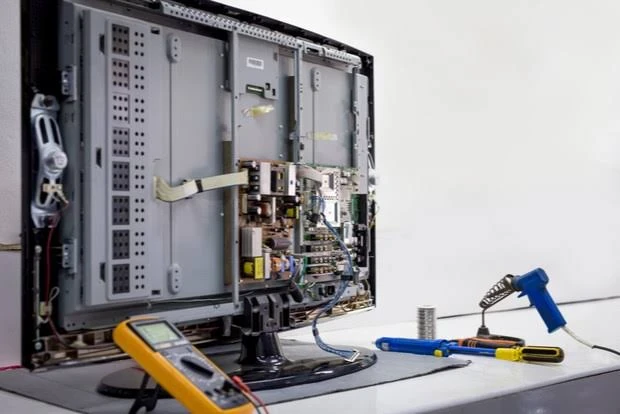
Repair work can involve inspection and replacement of power-related components, capacitors, fuses, connectors, backlight elements, or other electronic parts, depending on the diagnosis. HDMI and USB issues may result from a worn or damaged connector, but they can also involve the board behind the port. LCD and LED televisions often require attention to backlighting or power circuits, while OLED devices need model-specific consideration of screen condition and image defects. Brand, model code, screen size, and device technology are valuable details for an initial discussion.
How to choose a TV or monitor repair provider
Start by comparing providers based on the type of device they accept and the fault they describe handling. A technician who works with televisions may not necessarily offer the same scope for desktop monitors, and a provider focused on software setup may differ from one who performs component-level repair. Check the service description for references to your display technology, the relevant connections, and the type of symptoms you need investigated.
When contacting a provider, share the television or monitor brand, exact model if available, screen size, and a clear account of the fault. Explain whether the device powers on, whether sound is present, whether a logo appears, and whether the issue occurs continuously or only after use. For screen defects, a photo or video can help show lines, dark areas, spots, or physical damage. For connection issues, mention the cable type and the external device being used.
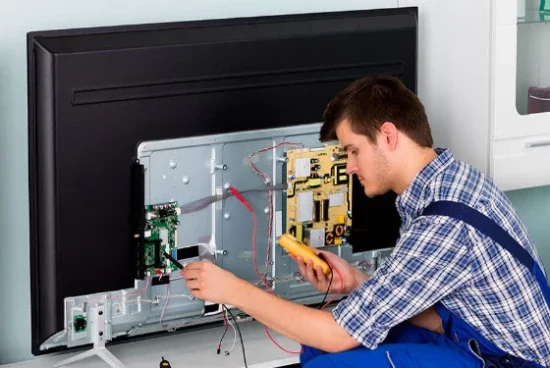
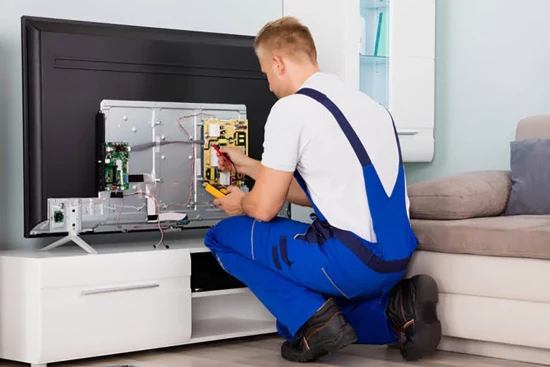
It is also sensible to ask how diagnostics are handled, what location is suitable for the work, and whether the device may need to be taken to a service center. Board-level repair, backlight replacement, matrix work, and internal disassembly can require equipment and conditions that are not practical on site. For a large television, especially one installed on a wall, discuss access, removal, transport, and reinstallation requirements directly with the provider before making arrangements.
Availability of compatible parts can vary by model, particularly for screen assemblies and older devices. If a matrix replacement is being considered, ask for an assessment of the repair option in relation to the condition and age of the television or monitor. Clear communication about the observed fault, proposed scope of work, parts, timing, and any warranty terms offered by the individual provider helps you compare offers on relevant details rather than on a symptom alone.
TV and monitor repair availability in Yerevan and Armenia
Yerevan is the main place to explore TV and monitor repair offers on Turn.am, with providers and service centers potentially serving different parts of the city. The category may also be useful for people searching in other Armenian locations, including Gyumri, Vanadzor, Vagharshapat, Hrazdan, Abovyan, and Kapan, as well as other regions. Service areas, on-site options, and workshop locations vary by provider, so confirm the practical service location directly before booking.
Turn.am does not perform repairs itself. Use the available offers to compare the type of television or monitor repair described, then contact the selected provider directly to discuss diagnostics and the next steps for your device.
Browse TV and monitor repair services, choose an offer that fits your device issue, and get in touch with a provider to arrange further details.