




















Security Camera Installation and Setup
When ordering cameras for a home, shop, office or warehouse, start with what you need to see. A general entrance view, activity at a checkout and a distant part of a yard may require different solutions. On Turn.am, find security camera installers, review their services and feedback, and contact them directly to discuss the site, equipment and complete cost.
How Many Cameras Do You Need?
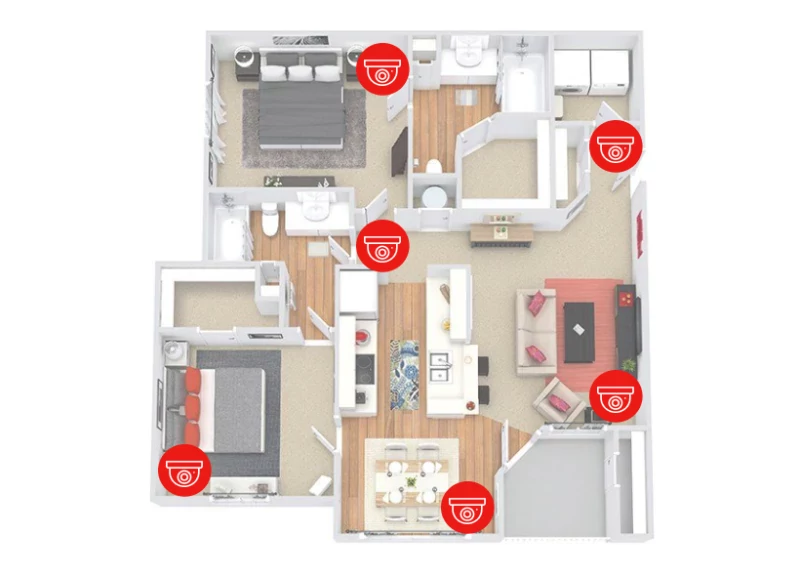
Share a floor plan or photographs and identify the areas to monitor: entrances, corridors, sales floors, yards or loading areas. For each location, explain whether you need an overview or specific details. Camera count and megapixels alone are not enough to compare proposals.
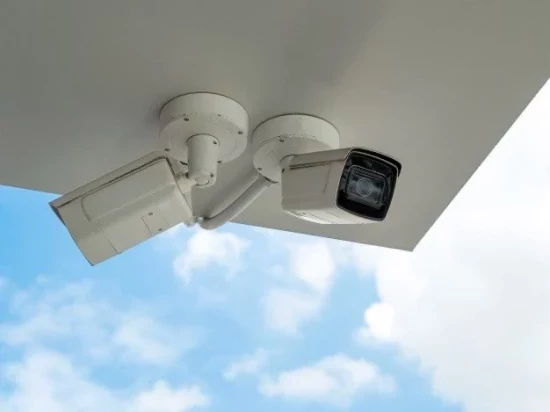
Discuss viewing angles, distances, mounting height and lighting. If night-time footage matters, ask the installer to assess the actual conditions. Image quality can differ in daylight, darkness or strong light entering through a doorway.
Camera Installation Prices: Comparing Packages
Two four-camera packages can include different equipment and work. Request separate details for device models, materials and labour. If you already own cameras, provide their specifications and information about the existing system so compatibility can be checked.
- Cameras: manufacturer, model, quantity and intended operating conditions.
- Recorder and storage: recorder model, whether a drive is included and its capacity.
- Cabling and power: included cable length, power equipment and additional cable charges.
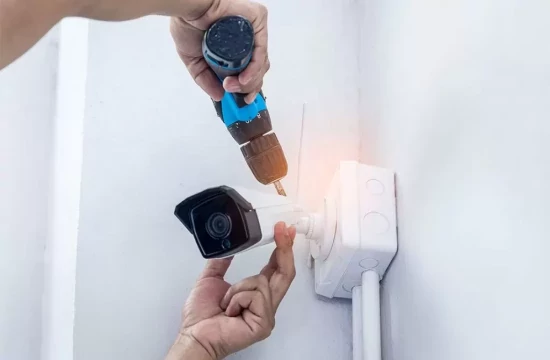
- Installation: brackets, drilling, cable routes and work at height.
- Configuration: recording, phone access, user permissions and notifications.
- Recurring costs: cloud storage subscriptions or other ongoing charges where applicable.
Compare suitable providers on Turn.am and obtain the final proposal directly from your chosen installer. Approve additional work and equipment substitutions before they proceed.
Wired or Wi-Fi Cameras?
Choose according to the site and system requirements. Wi-Fi connectivity does not necessarily remove the need for a power cable. Confirm how each camera receives power and whether the network connection is reliable at its mounting position.
For wired installations, agree on cable routes and the appearance of exposed runs. If renovation is underway, discuss the cabling stage in advance. Wall repairs and repainting should not be assumed to be included.
How Long Will Recordings Be Stored?
Retention depends on camera count, recording settings, storage capacity and continuous or event-based recording. Drive size alone does not establish the number of days retained. Tell the installer how much history you need and request a proposal calculated around that requirement.
Ask whether older footage is overwritten when storage fills, how to find a recording and how to export it. For memory-card or cloud storage, clarify limitations and ongoing charges.
Phone Access and Account Handover
Specify how many users need access and which functions they require: live viewing, playback or alerts. Ask which application is used and whether any features require payment.
The main account should be under your control at handover. Agree on credentials, recovery information and any continuing installer access. Discuss individual accounts with appropriate permissions for employees rather than sharing one password.
Power and Internet Interruptions
Ask which functions continue without internet access and which stop. Remote viewing and local recording are separate functions; confirm their behaviour for the proposed system.
If backup power is required, ask which devices it covers and the estimated operating duration. Powering cameras alone is insufficient if other equipment needed for recording or connectivity stops working.
Checking the Completed Installation
With the installer present, check each camera's image, coverage, recording and system date and time. Practise finding and exporting footage, and test phone access away from the site's Wi-Fi. If night performance cannot yet be checked, agree on a later review and adjustment process.
Obtain the equipment list, basic operating instructions and warranty terms. Clarify arrangements for maintenance visits, cleaning, configuration changes and faults. Choose a proposal that makes clear what you will see, how much recording history you will retain and how to operate the system yourself.