



Repair of laptops and computers


























Filters
Laptop and Computer Repair in Yerevan, Armenia and Other Regions
Find laptop and computer repair in Yerevan for devices that will not start, run slowly, overheat, lose power, or develop hardware and software faults. This category brings together independent specialists and service providers for laptops, desktop PCs, all-in-one computers, and related computer equipment. It is useful for students, remote workers, offices, gamers, designers, programmers, and anyone who depends on a reliable device for everyday tasks.
On Turn.am, you can review offers for computer repair, laptop maintenance, diagnostics, upgrades, operating system support, and data-related work. Compare service descriptions, check whether a provider handles your type of issue and device, then contact the provider directly to discuss the symptoms, expected work, parts, timing, and data preservation needs. Turn.am is a marketplace that helps users find and contact providers, not the company carrying out the repair itself.
What Laptop and Computer Repair Services Can Include
Computer problems can originate in physical components, installed software, or both at once. A laptop that does not turn on may have a power, battery, charging port, motherboard, or operating system issue. A desktop computer that freezes may require inspection of the storage drive, RAM, graphics card, cooling system, drivers, or background software. Accurate computer diagnostics is particularly valuable when symptoms appear intermittently or when several possible causes exist.
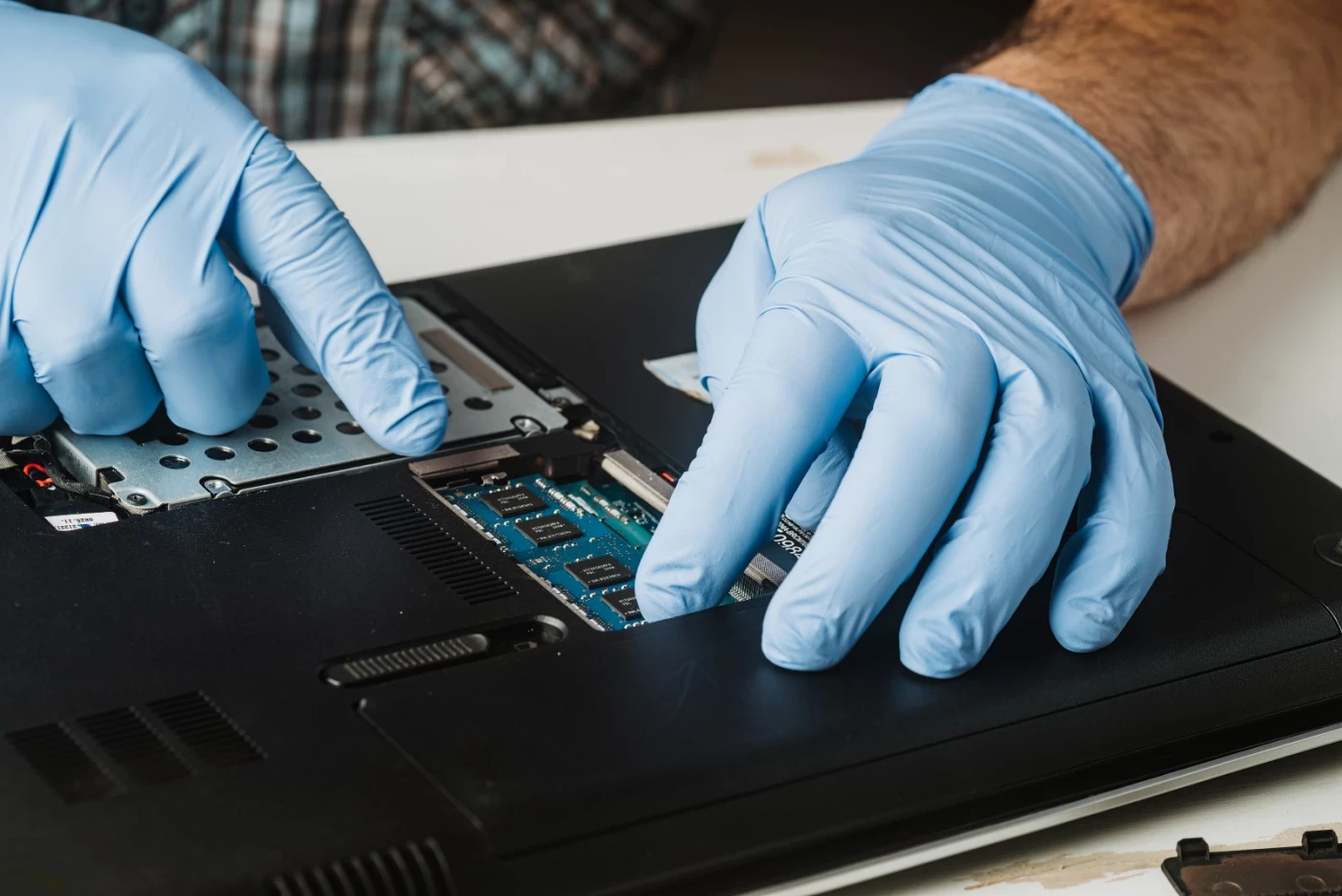
Hardware repair for laptops may cover damaged displays, flickering or black screens, keyboards with unresponsive keys, touchpads, loose hinges, charging connectors, cooling fans, internal cables, batteries, storage drives, and memory modules. After a fall, liquid exposure, impact, or visible body damage, it is helpful to describe what happened and whether the device still powers on, displays an image, charges, or recognizes connected accessories.
For desktop PC repair, providers may inspect the power supply, motherboard, processor, RAM, graphics card, HDD or SSD, case fans, and peripheral connections. Desktop computers can also be upgraded for specific workloads. Adding memory, installing an SSD, replacing a graphics card, or selecting compatible components for a new build may improve performance for office work, gaming, design software, video editing, programming, or large file handling. Compatibility between parts and the purpose of the computer should be considered before an upgrade.
Overheating is a common reason to arrange laptop maintenance. Dust in vents and radiators, a worn fan, restricted airflow, or degraded thermal paste can cause loud operation, reduced speed, unexpected shutdowns, or poor performance under load. Cleaning and cooling-system service can involve opening the device, removing accumulated dust, checking fan operation, and renewing thermal interface material where appropriate. Compact gaming and work laptops may need more careful disassembly than a standard desktop case.
Software service addresses issues that do not necessarily require replacement parts. Common requests include operating system installation or recovery, Windows formatting, driver setup, software configuration, malware removal, resolving update problems, and system cleanup. A slow computer may be affected by excessive startup programs, low available storage, unwanted software, outdated drivers, a failing disk, or insufficient RAM. Before reinstalling an operating system, explain whether documents, photos, work files, browser data, or application settings need to be retained.
Data recovery is relevant when files have been deleted, a drive is not recognized, the system will not boot, or storage appears damaged. Continued use of a failing drive can make file recovery more difficult, so it is sensible to state that data preservation is a priority when contacting a provider. This parent category also includes related specialist services for software support and recovering information from storage media.
How to Choose a Computer Repair Provider
Start by matching the provider’s stated experience to the device and problem. Some providers focus on software support and operating system work, while others handle laptop disassembly, component replacement, hardware diagnostics, PC assembly, upgrades, or more complex board-level faults. If you use a MacBook, gaming laptop, business notebook, custom desktop, or all-in-one PC, share the exact model and configuration where possible, since access to components and compatible parts can differ significantly.
A clear problem description helps make the first conversation more productive. Include when the malfunction started, what happens when you press the power button, any error message, whether the issue followed an update or a new application, and whether there was overheating, a drop, liquid exposure, or unstable charging. For performance issues, mention which programs become slow, whether the computer freezes, and whether the problem occurs during games, rendering, video calls, or normal browsing.
Before agreeing to work, compare what diagnostics will cover and ask how the provider plans to distinguish a software fault from a component failure. For replacement work, discuss the part type, compatibility, and whether the quoted work includes installation, testing, and system transfer where relevant. If an SSD upgrade or operating system reinstallation is planned, clarify how existing files will be handled. Users with sensitive business or personal information should remove or secure data they do not want accessed and communicate any backup requirements in advance.
Practical arrangements matter as well. Confirm whether the provider works at a service center, offers an on-site visit, or can provide remote support for suitable software issues. Ask what device accessories should be brought, such as the original charger, and make sure the scope of the request is recorded accurately. Comparing several offers can help you find a provider whose services fit the fault rather than choosing a broad repair option without details.
Availability in Yerevan and Other Areas of Armenia
Searches for laptop repair and computer repair are especially common in Yerevan, where devices are used heavily for work, education, and business. Providers listed in this category may also serve customers in other parts of Armenia, including markets such as Gyumri, Vanadzor, Vagharshapat, Hrazdan, Abovyan, and Kapan. Availability, service format, and the types of devices handled vary by individual listing, so contact the provider directly to confirm whether they can take your request.
For more focused needs, browse these related categories:
Review laptop and computer repair offers on Turn.am, compare the details that matter for your device, and contact a suitable provider directly to discuss the issue before arranging service.